
Everything below is included
This is what an AysOps account can do on the day you create it, with nothing extra to buy. The add-ons at the bottom of this page extend it — they don't unlock it.
Customers and projects
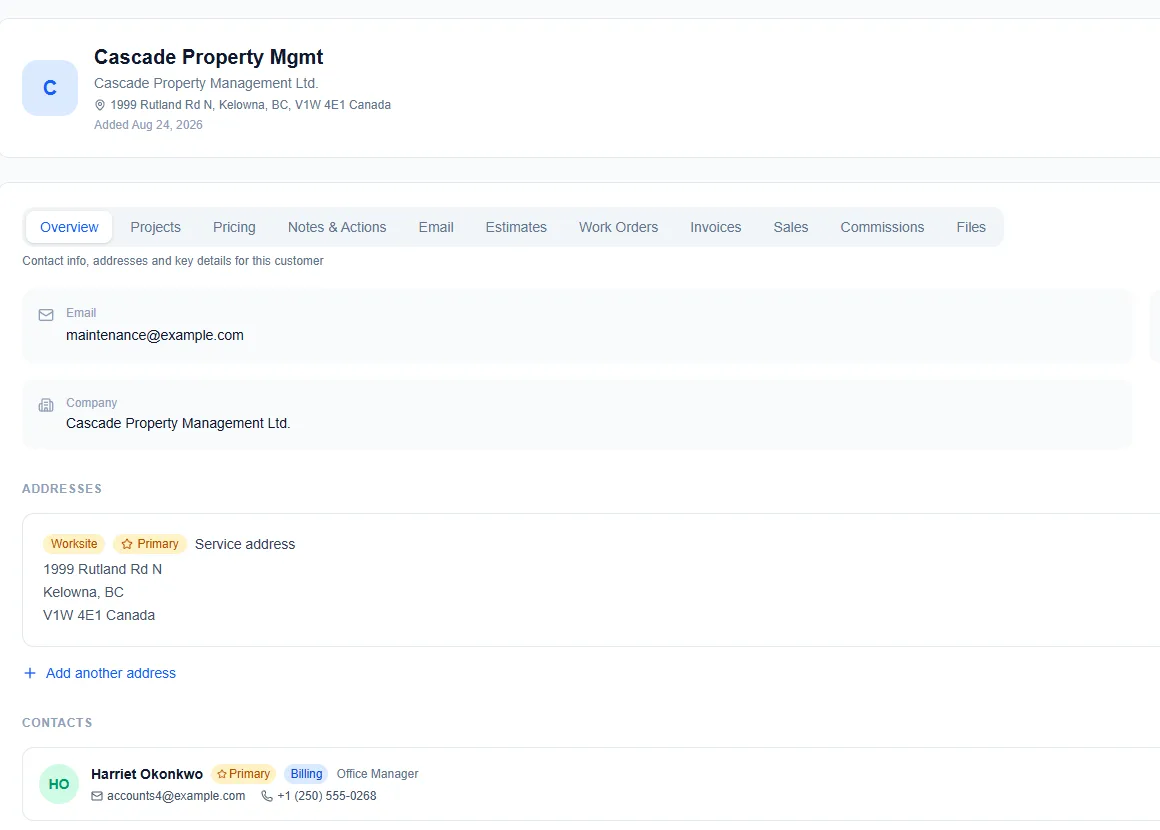
A full customer record — contacts, addresses, notes, documents, history — with duplicate detection on entry.
- Company projects for your own ventures, billed to nobody, tracked the same way as customer projects
- Bill-to destinations — send a document to a property manager, insurer or head office while the customer still owes it
- A default currency per customer, US or Canadian dollars, that their new documents start in
- Customers flagged as gone quiet after a period you choose
- Archive a customer you no longer work with — hidden from lists and pickers, everything kept, and restored any time
- Every file, estimate, work order and invoice on the record
Estimates that become work orders that become invoices
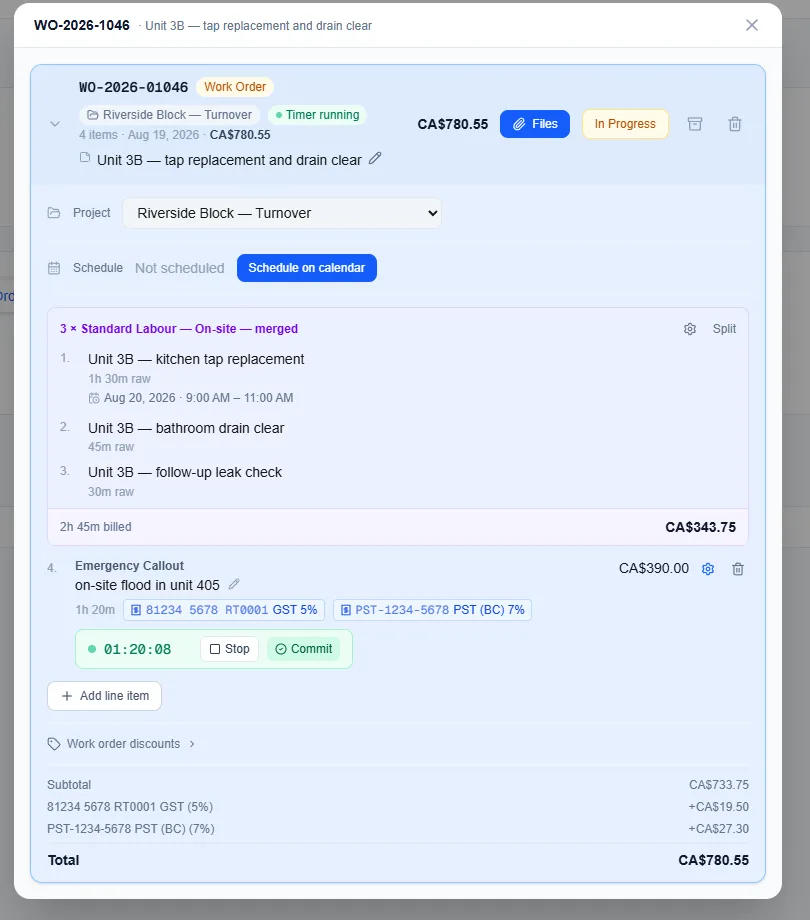
One document that changes state, rather than three that need copying. Nothing is retyped between quoting and billing.
- Estimates go out as a branded PDF with a link the customer opens without logging in
- They approve with a typed name and a drawn signature, or decline with a reason — customer approval is included, not an add-on
- Approved estimates convert to a work order in a click
- Contracts — an estimate with your terms the customer must agree to, questions they answer (such as the event date) and quantities they set (such as the number of guests), with the total following. Requests can come in from a form on your own website
- Choose what your customer sees — keep every line yourself but show them one line per section, or one total for the job, and preview their PDF before you send
- Optional extras the customer can tick to add; a percentage deposit follows what they choose
- Send files with an estimate — your terms, a brochure, a warranty sheet — and they stay with the work order and invoice
- Estimate templates, and save any estimate as a template
- Track time on a work order with a timer or typed in afterwards; the date and hours carry onto the invoice and receipt
- Line items, saved rates, products, travel, taxes and discounts
- Invoices add deposits, partial payments and a running balance
- Rich-text descriptions, your own prefixes and numbering, attachments, and your logo on every PDF and email
Getting paid
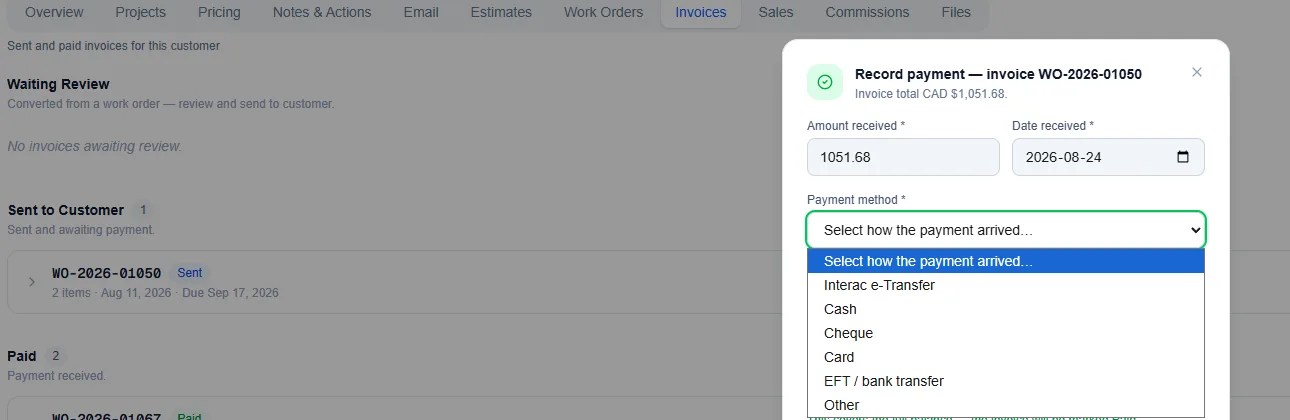
However the money arrives, it lands on the invoice and the balance updates.
- Invoices emailed, printed or downloaded as PDFs
- Payments recorded by hand — cash, cheque, e-transfer, a card taken elsewhere — with partial payments tracked against the balance
- Deposits requested against a work order before the job starts, carried through to the final invoice
- A receipt to the customer on every payment you record, listing the work it paid for
- A job done for free settles as a zero-charge invoice, so the customer still has a record of the work
- Recurring charges that generate their own invoices, with the next billing date visible; cancelling stops the billing cleanly
- Refunds recorded against the payment
Taking card payments online is the Payments add-on — free to enable, per-transaction fee.
Knowing what to do today
The Actions page holds everything needing attention — what is due today, what is coming over the next few weeks, and anything the system noticed on your behalf.
- To-dos with dates, so today's work and the weeks ahead are views of one list
- Overdue items, unfinished setup and today's appointments raised for you, not typed in by you
- Missing-bill reminders — enter a monthly bill three times and AysOps starts noticing when it has not arrived
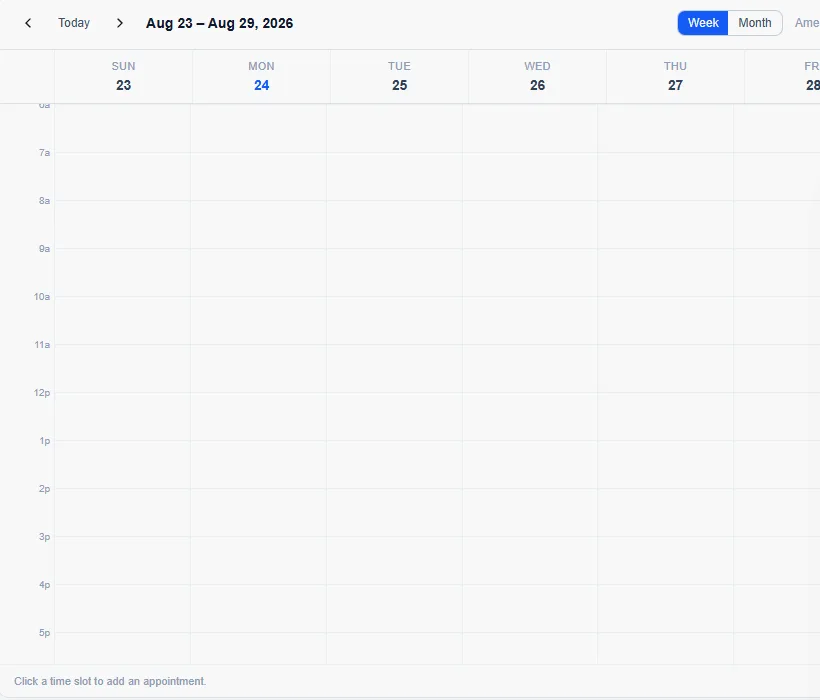
- A morning summary email with your appointments for the day and anything waiting on you, in your own time zone
- On by default, switchable per person, with one-click unsubscribe
- An account-wide activity log recording who did what, and when, across the account
Both the to-do list and the morning email are included. The digest makes no AI call, so there is nothing to charge for.
And the rest of it
Still included. Still nothing to buy.
An add-on sells genuinely new capability. If a feature you already pay for would be incomplete without it, it is included.
An estimate you cannot accept is an incomplete estimate feature, so customer-facing quote approval is included. Your own logo on your own invoices is included. The morning digest is included, because it costs nothing to run.
Add-ons, if you want them
Grouped into four areas, each with its own page. Each add-on is bought on its own and priced for what it does — free while your 90-day trial runs, or for the first 7 days if added later.
Add-ons are bought once for the business, not per person. Enable one and everybody on your team has it — only team seats themselves are billed per member.
Coming soon
Specified and on the way. Not available to buy yet.
See it for yourself
Poke around a live demo account, or start your own 90-day free trial.